
Private AI in your customer's GCP project
May 2, 2026
"Deploy LLM on GCP" usually means the wrong thing
Most search results for "deploy LLM on GCP" are about deploying a large language model in your own Google Cloud project. That is a fine workload for an internal tool, a demo, or a product you operate as a hosted service. It is the wrong workload when your end-customer is a hospital, a bank, or a public-sector agency that has just told you their data cannot leave their own cloud account.
Customer-environment deployment is the inverse pattern. The Google Cloud project is the customer's. The billing account is the customer's. The project IAM is the customer's. The data never leaves their perimeter. Your code (the deployment installer, the serving stack, the retrieval pipeline, the audit logging) runs there, behind their firewall, against their data, under their policies. You are doing the deployment. You are not the data path.
This post is a walkthrough of how that deployment actually works in production, using Terraform-managed infrastructure-as-code and an SSH-and-superuser-during-setup-then-handoff access pattern. The goal is to be honest about the access model: what the deployment engineer needs during setup, what they keep afterwards, and what stays exclusively with your customer once the deployment is running. If your customer's compliance team is going to ask the question, this is the answer.
Three things to know before the architecture: the customer pays the Google Cloud bill directly (the GPU instances live in their billing account), the customer's IAM is the source of truth for who can touch the deployment (we do not create our own user accounts), and the deployment is reversible by your customer at any time without our involvement (no vendor-side kill-switch, no remote-revocation dependency, no back-channel to the management plane). These three constraints govern every architectural decision below.
A note on cloud variants. The pattern is described here for Google Cloud because that is where deeplit®'s reference Terraform installer landed first. The same pattern applies to AWS (Google Cloud project becomes AWS account, Cloud Logging becomes CloudWatch Logs, Workload Identity becomes IAM Roles for Service Accounts) and to Azure (AWS account becomes Azure subscription, plus a few naming differences in the role-binding model). The AWS and Azure variants of the deeplit® installer ship after their reference deployments land in production with a design partner; this post focuses on Google Cloud as the worked example.
This post is the architectural answer for founders who have already chosen customer-environment deployment over buying GPUs to self-host, building the deployment story from scratch, or losing the deal. The four-option upstream frame is in private LLM deployment for startups: the four real options.

If you cannot answer "who has access right now" without checking with the vendor, the vendor has too much access.
The deployment, end to end
The deployment runs in five phases: pre-flight, installer run, configuration, handoff, and steady-state operation. Each phase has a different access posture. The pattern is designed so that the access surface shrinks at every phase boundary, and so that the customer never has to take our word for what happens. Every action is visible in their Cloud Logging audit trail.
Phase 1: pre-flight (no vendor access required)
Before any deployment engineer touches your customer's Google Cloud project, three things have to be true on their side. The customer creates a new Google Cloud project (or designates an empty one) for the deployment. The customer enables a defined list of APIs (Compute Engine, Cloud Logging, Cloud KMS, Secret Manager, Vertex AI for the optional managed inference fall-through, plus a handful of supporting services). The customer creates a billing account binding for the new project so the GPU instance bill is theirs.
This phase requires zero access from deeplit®'s side. The customer does it all from their own console, on their own time. We provide a Terraform variables file documenting the project-level prerequisites; the customer reviews it before granting any access. If the customer's compliance team has a "no vendor in our cloud" policy, this is the phase where they discover it does not apply, because there is no vendor in their cloud yet.
Phase 2: installer run (time-bounded SSH and superuser)
The customer grants the deployment engineer one IAM role on the new project: roles/owner on the project, scoped to a service account that the engineer authenticates as via short-lived OAuth tokens. They also create a single Compute Engine instance (or accept the default in the Terraform variables) and grant SSH access to the engineer's public key on that instance.
The engineer runs terraform apply against the project. Terraform creates the GPU instance group, the Cloud KMS key ring used to wrap inference cache encryption, the Secret Manager entries for model-download credentials, the VPC and firewall rules (default-deny on inbound; allow only the ingress paths the customer has configured), the Cloud Logging sinks, the IAM role bindings for the eventual end-customer users, and the Workload Identity bindings the serving stack uses.
The engineer uses SSH on the bootstrap instance to validate the deployment (run the smoke tests, fetch the model weights, configure the retrieval pipeline against the customer's document store, verify the audit-log entries are reaching Cloud Logging). This step typically takes between four and eight hours of engineer time across one or two working days. During this phase the engineer holds high-privilege access. This is the phase your customer's compliance team should pay closest attention to. We answer two questions plainly: yes, we have superuser during setup; no, we do not keep it. The longer treatment of where that audit boundary sits across hosted-API, customer-cloud, and customer-environment shapes is in EU AI Act and GDPR Article 28: where AI vendor responsibility ends.
Phase 3: configuration (privilege drops to read-only)
Once the smoke tests pass, the engineer hands the deployment to the customer's named owner via a Terraform-managed configuration file (committed to the customer's own infrastructure-as-code repository). The configuration file lists the model endpoints, the retrieval-pipeline document sources, the role-based access control rules, and the audit-log retention policy. The customer reviews and approves the configuration before going live.
At the end of this phase, the deployment engineer's roles/owner access is downgraded to roles/viewer (read-only) on the project. The bootstrap Compute Engine instance is destroyed. The SSH public key is removed from the project metadata. The engineer can read the project configuration to support the customer; they cannot change anything without going back through Phase 2 with explicit re-grant.
Phase 4: handoff (vendor access is read-only or zero)
The customer's named owner now operates the deployment. They are the one who promotes new model versions, who adjusts the retrieval-pipeline configuration, who modifies the role-based access control rules, who rotates the Cloud KMS keys on the schedule their compliance team requires. deeplit®'s role at this phase is documentation, training, and the equivalent of a runbook.
For customers who want zero ongoing vendor access, the engineer's roles/viewer role is removed entirely at handoff. The deployment continues to function; deeplit® no longer has any visibility into the project. The trade-off is that incident-response support requires a re-grant of read access (typically roles/viewer for the duration of the incident, which is logged in the customer's IAM audit trail and is reversible at any time).
Phase 5: steady-state operation
In steady state, the only ongoing connectivity from deeplit® into the deployment is a single outbound webhook from the deployment to a deeplit® licensing endpoint, used to validate the platform license and to deliver software updates. The webhook payload is documented and contains no inference data, no document text, and no user identifiers. Only the platform license token, the software version, and a heartbeat timestamp. The customer can audit the webhook payload in their VPC egress logs.
There is no inbound connection from deeplit® to the deployment. There is no management-plane back-channel. There is no vendor-side mechanism to read the customer's data, modify the configuration, or revoke access without the customer's IAM cooperation. If the customer wants to disable the licensing webhook entirely (for example, because they are running in a fully disconnected configuration), they can; the deployment continues to run but stops receiving software updates.
What the customer owns versus what deeplit® manages
- Google Cloud project, billing account, IAM. Customer-owned. deeplit® has no access in steady state.
- Customer data, keys, audit logs. Owned by the customer, in the customer's environment. Never touched by deeplit® in production.
- Terraform code, serving stack, retrieval pipeline, audit-logging defaults. deeplit®-authored and shipped. Customer-owned once committed to the customer's infrastructure-as-code repository.
- Open-weight model weights. Customer-downloaded and customer-stored. deeplit® maintains a reference compatibility list.
- License validation webhook. deeplit®-managed (outbound only, no inference data, no document text, no user identifiers). Customer-auditable in their own VPC egress logs. Customer-disconnectable.
- Incident response. Customer-led. deeplit® supports on re-granted, time-bounded read access.
The list above is the architectural and contractual division. The economics of the same division (who pays the GPU bill, who staffs the engineering, what an engineering quarter on infrastructure costs at startup volume) are covered separately in the real cost of self-hosting an open-weight LLM.
Why the access pattern matters more than the deployment itself
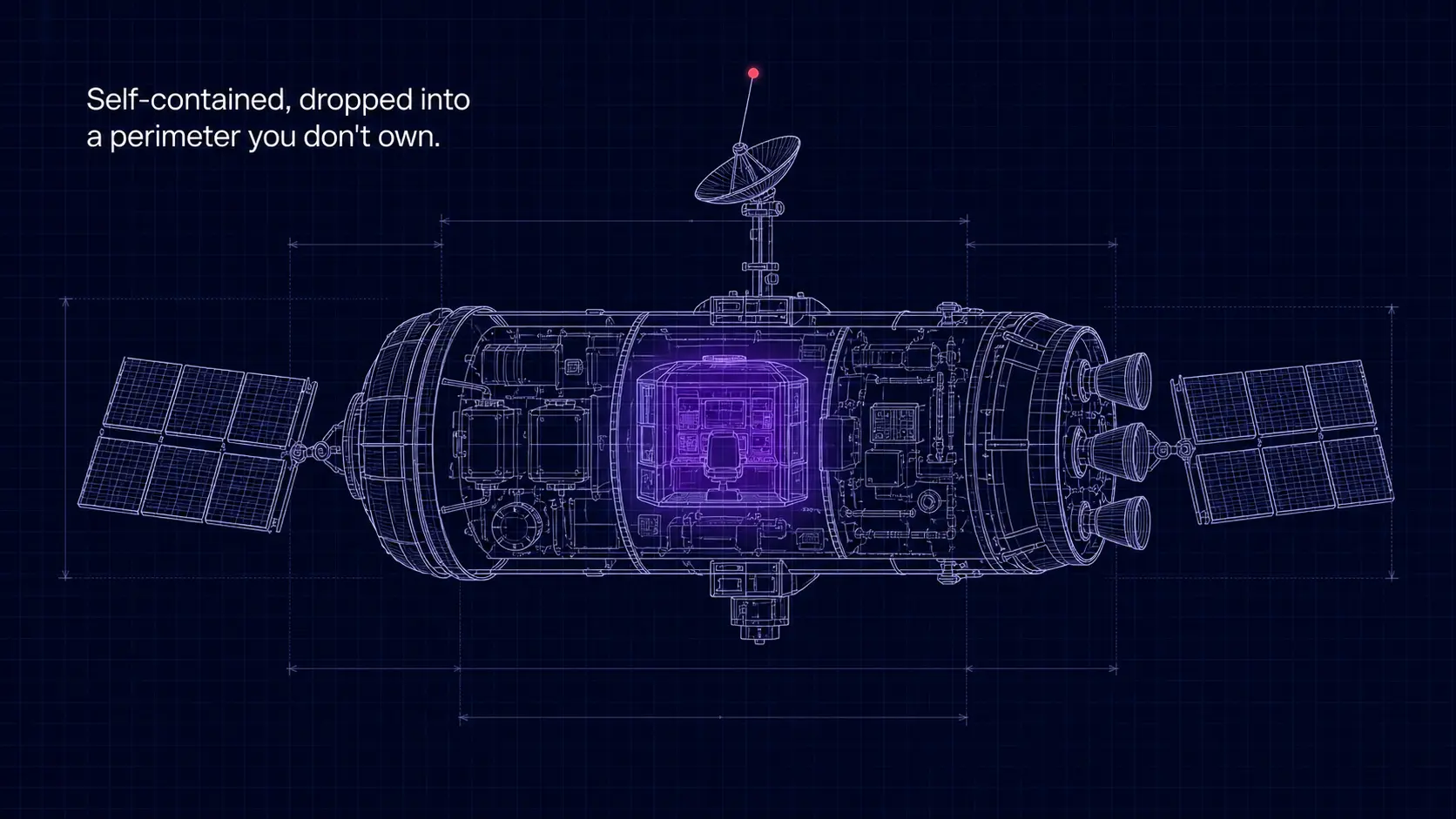
The architecture above is unremarkable on the technical side. Most well-built customer-environment deployments end up looking similar: Terraform, default-deny networking, audit-logged IAM, customer-held keys. The differences between vendors are not in the architecture diagram. They are in the access pattern that operates over the architecture.
The questions a compliance team should ask any vendor offering customer-environment deployment are: who has high-privilege access during setup, and how do you know that access has been removed afterwards? What ongoing connectivity does your management plane keep into the deployment? Can you change, revoke, or read anything in the deployment without the customer's IAM cooperation? Is there a documented process for removing your vendor access entirely?
The honest answers from a vendor that has the discipline are: time-bounded SSH and superuser only during the installer run; one outbound webhook for licensing, no inbound channel; no, every privileged action requires re-grant through the customer's IAM; yes, the documented process exists and is part of the contract. The honest answers from a vendor that does not have the discipline are vaguer.
deeplit® deploys this stack into your customer's Google Cloud project, AWS account, or Azure subscription, with the same SSH-then-handoff access pattern across all three. Book a deployment call to walk through the installer with your customer's compliance team.
If your customer's compliance team is asking "who has access right now", this post is written to be forwarded to them. The five-phase access posture is theirs to use in their own review.
The architecture is unremarkable. The access pattern is not.
If you cannot answer "who has access right now" without checking with the vendor, the vendor has too much access.
Frequently asked questions
Does deeplit® need permanent access to our customer's Google Cloud project?
No. Permanent access is roles/viewer (read-only) at most, and zero access is supported as a configuration option. High-privilege access (roles/owner or SSH on the bootstrap instance) is time-bounded to the installer run in Phase 2, typically four to eight hours over one or two working days, and is removed automatically at the end of Phase 3.
Can our customer's compliance team see exactly what the deployment engineer did during the installer run?
Yes. Every action the engineer takes against the Google Cloud project is logged to the customer's Cloud Logging audit trail, in the customer's project, under the customer's retention policy. There is no separate vendor-side log that the customer cannot see. The Terraform plan output, the smoke-test results, and the configuration handoff are also documented and shared with the customer's named owner.
What happens if our customer wants to remove deeplit® entirely after the deployment is running?
The customer revokes the deployment engineer's IAM role, disables the licensing webhook in the deployment configuration, and (optionally) commits a Terraform state change that switches the deployment to a "no upstream" mode. The deployment continues to function on the model version that was current at the time of the disconnection; software updates and license-renewal validation stop. The customer's data, keys, and audit logs remain untouched.
Does the same pattern work on AWS and Azure?
Yes, with the cloud-specific naming differences. The structure (pre-flight, time-bounded high-privilege installer run, configuration handoff, read-only or zero ongoing access, single outbound webhook) is identical. The AWS and Azure variants of the deeplit® installer ship after their reference deployments land in production with a design partner.
What is the difference between deploying our private AI in our own GCP project and deploying it in our customer's GCP project?
The architecture is similar. The access pattern, the audit boundary, and the IAM owner are different. In your own Google Cloud project, your team is the IAM administrator, the data path runs through your billing account, and the audit trail lives on your infrastructure under your retention policy. In your customer's Google Cloud project, your customer is the IAM administrator, the data path stays inside their billing account, and the audit trail lives on their infrastructure under their compliance team's retention policy. Most "deploy LLM on GCP" tutorials describe the first pattern; the writer's own cloud is the one they have access to. This post describes the second, because that is the pattern your end-customer's security review asks for.